
10 ATS Optimization Tips That Actually Work
Learn the secrets to getting past Applicant Tracking Systems and landing more interviews with these proven strategies.
Introduction
Applicant Tracking Systems (ATS) are the gatekeepers of modern hiring. Understanding how to optimize your CV for these systems can dramatically increase your interview chances.
1. Use Standard Section Headings
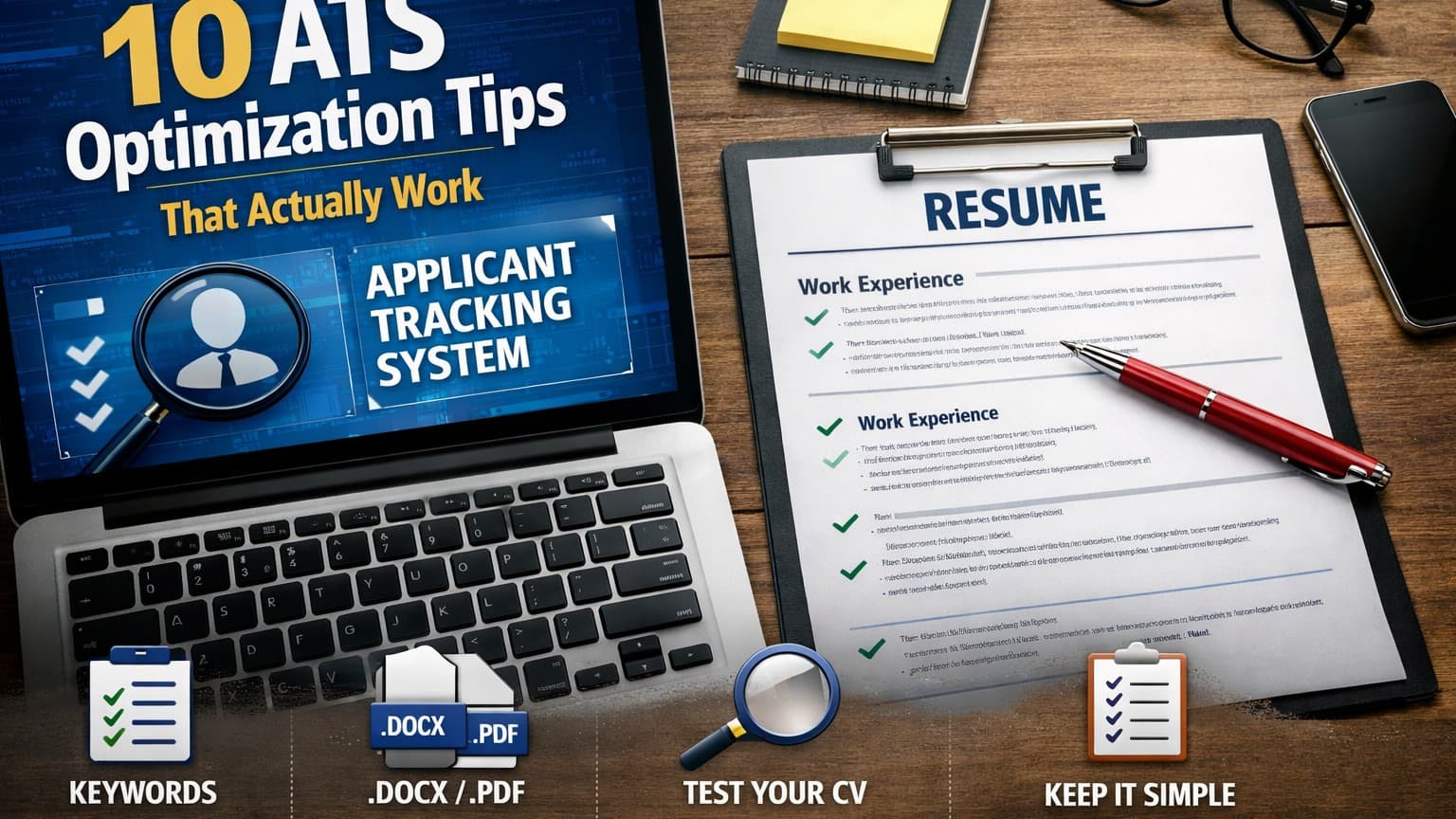
ATS software looks for common section headers like "Work Experience," "Education," and "Skills." Avoid creative variations that might confuse the system.
2. Incorporate Keywords Naturally
Read the job description carefully and include relevant keywords throughout your CV. But don't stuff them unnaturally - context matters.
3. Choose a Simple Format
Stick to standard fonts like Arial, Calibri, or Times New Roman. Avoid graphics, tables, and complex formatting that ATS might not parse correctly.
4. Save as the Right File Type
Most ATS systems prefer .docx or .pdf files. Always check the job posting for specific requirements.
5. Use Standard Bullet Points
Simple round bullets work best. Avoid fancy symbols or custom graphics.
6. Include Contact Information
Make sure your name, phone number, and email are clearly visible at the top of your CV.
7. Match Job Descriptions
Tailor your CV for each application by matching keywords and phrases from the job description.
8. Avoid Headers and Footers
More in ATS Optimization
Build your perfect CV
Use AI to create system-optimized resumes that land interviews. Free to start.
Get Started Free